Slamcore Aware Web Interface
The Slamcore Aware Web Interface is a user interface that enables easy access to the Slamcore Aware devices from any other machine that is connected on the same network.
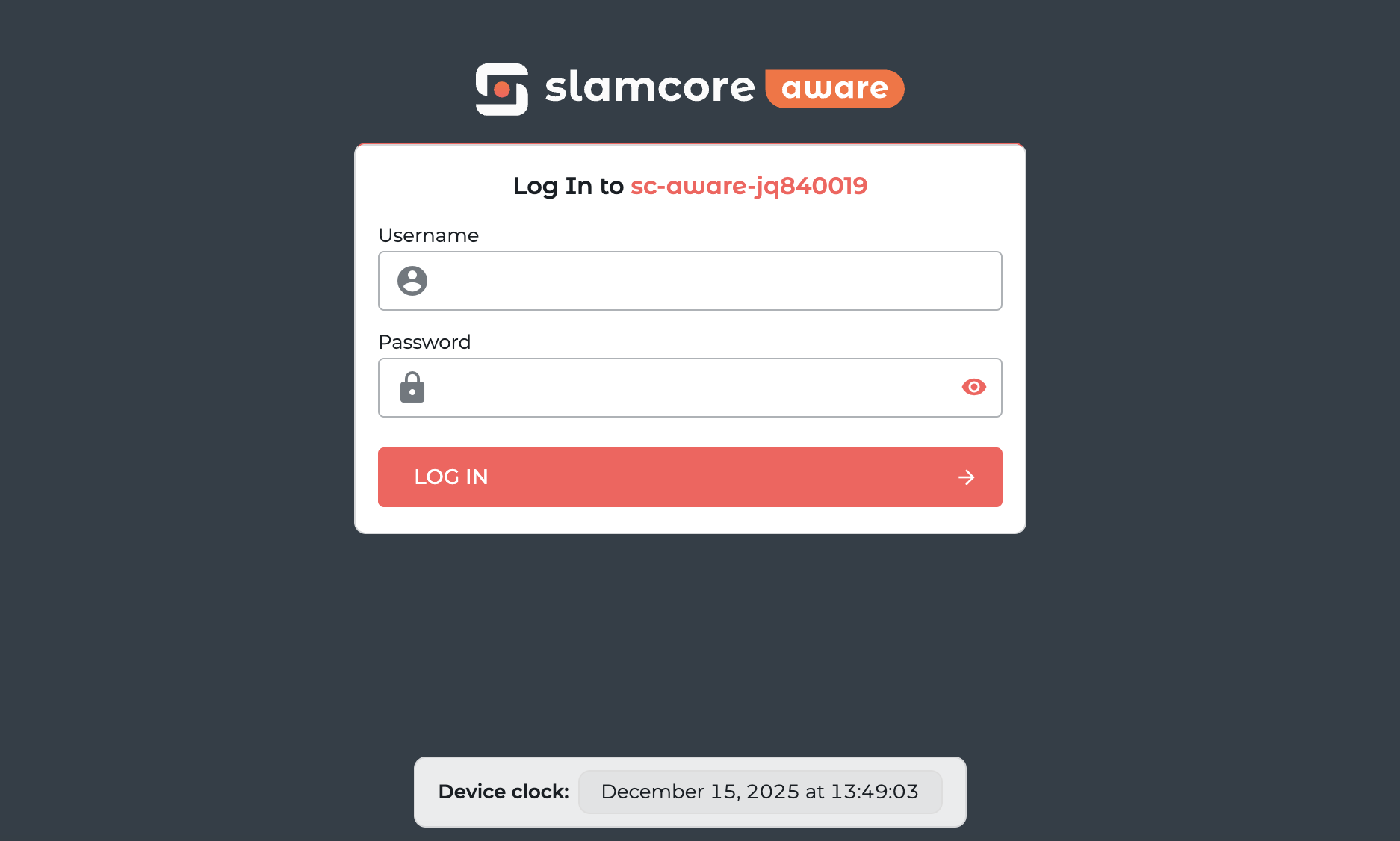
Upon loading the web interface page you will be presented with a login page:
It is highly recommended to change the default password for the web
interface user account, which can be done from  Settings > User. Please see Settings: User for
instructions on how to do this.
Settings > User. Please see Settings: User for
instructions on how to do this.
Once logged in, the web interface will show the  Positioning page:
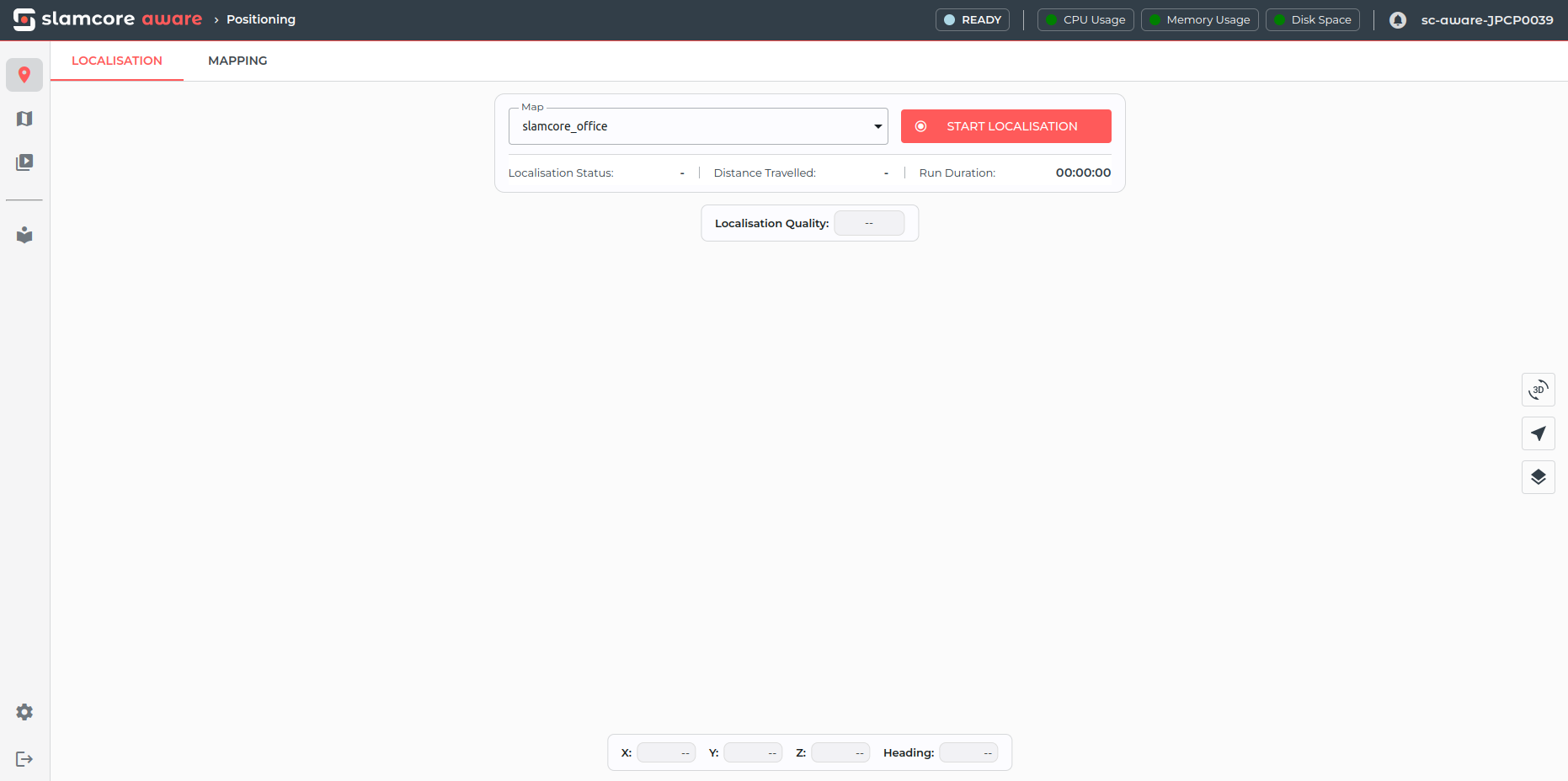
The navigation menu can be found on the left sidebar and the system status bar is shown at the top of the page.
Navigation Menu
The navigation menu contains the following buttons:
- Positioning- To start, stop and
visualize the mapping and localisation process.
 Map Management - To edit and align maps
to floor plans.
Map Management - To edit and align maps
to floor plans. Trajectories & Logs - To download
trajectories and logs of past mapping and localisation runs.
Trajectories & Logs - To download
trajectories and logs of past mapping and localisation runs.- Settings - To configure device
settings.
 Documentation - Offline Documentation.
 Logout - To log out of the web interface.
Status Bar
The status bar contains:
-
System status
- The possible system statuses are
READY | STARTING | MAPPING | LOCALISATION | STOPPING | ERROR - If the system is in
ERRORstate hovering over the status field will provide a tooltip with details on the error.
- The possible system statuses are
-
System health metrics
- Hovering over each metric will provide more detailed information.
-
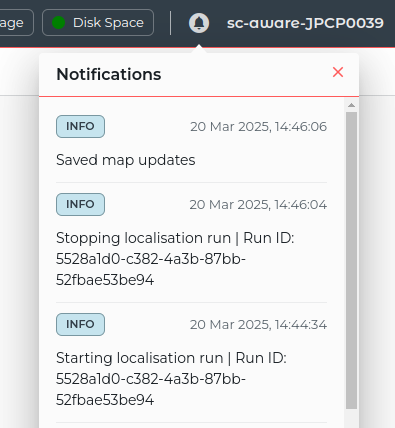
Notifications
-
Live updates of the status of the Slamcore Aware system including information, warning and error logs.
-
Clicking on the notification bell icon will open the notifications panel.
-
-
Device Name and serial number