API Authentication
To interact with Slamcore Aware devices via the REST API (v0), an API key must be generated for each device. This is a unique alphanumeric string used to authorize requests and ensure secure communication.
Create a New API Key
To create a new API key or manage existing keys, visit the
 Settings > Integrations page.
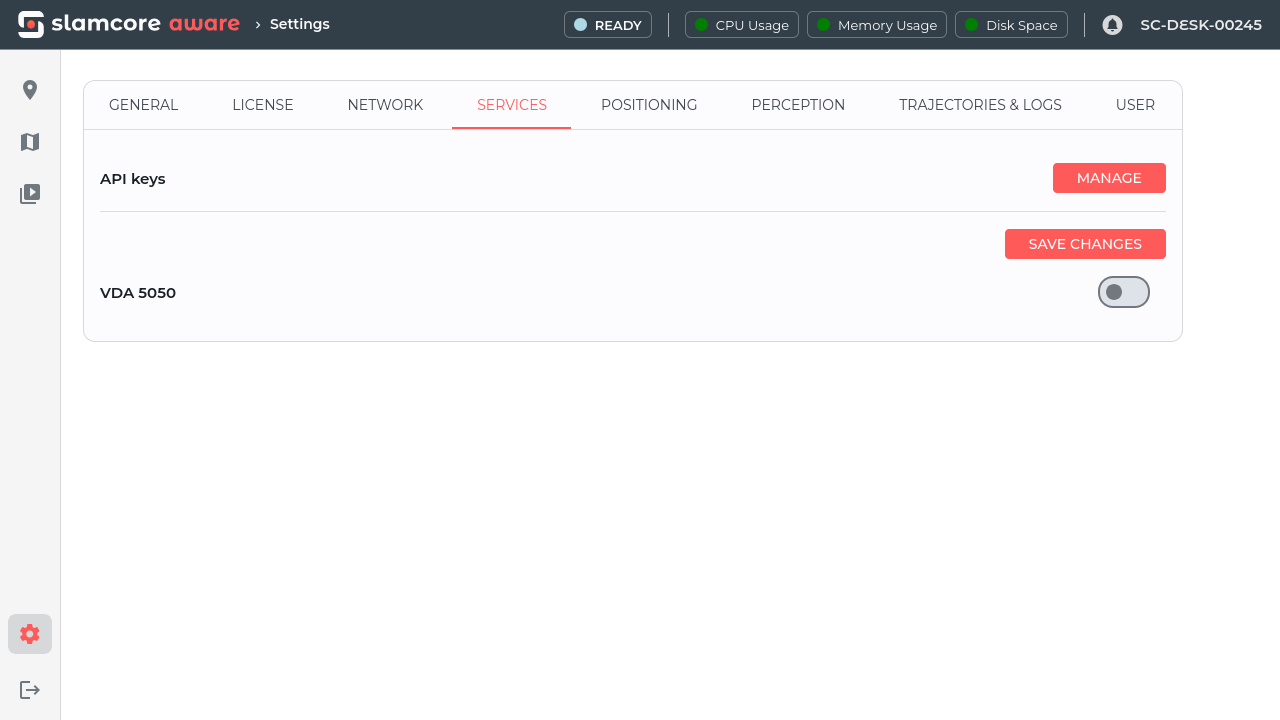 Settings > Integrations Tab
Click Manage to enter the Manage API Keys page.
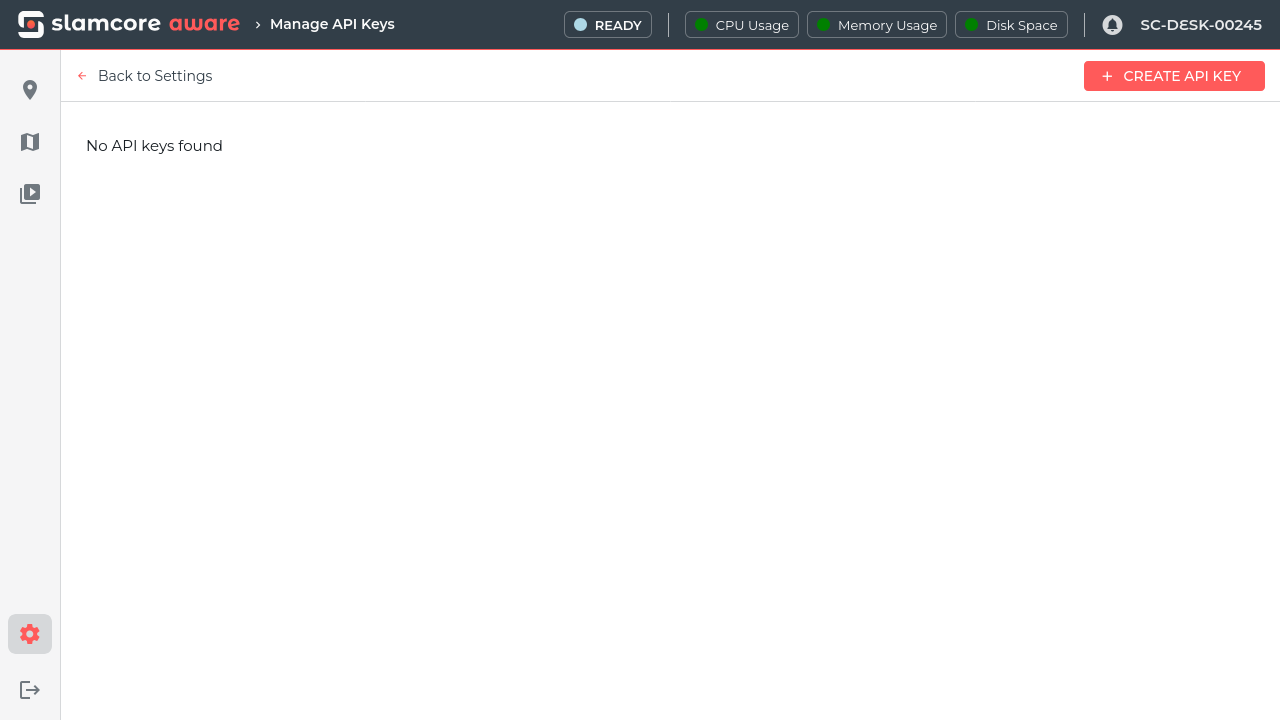
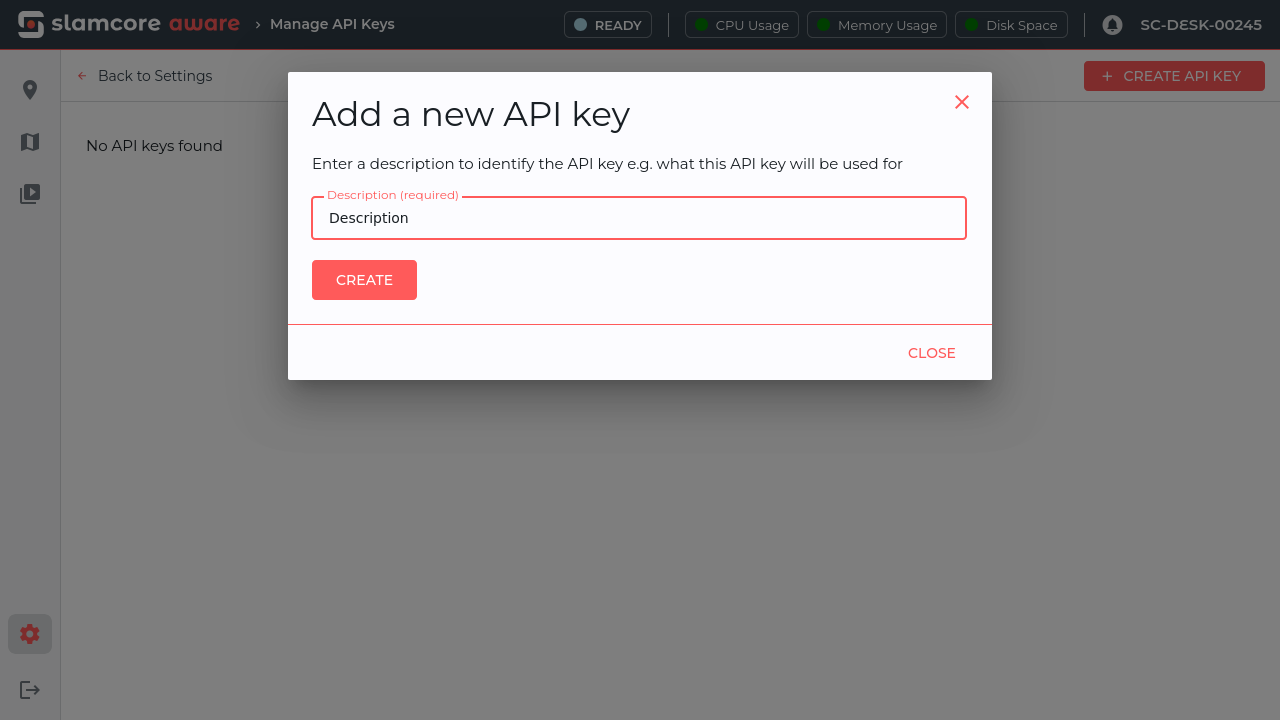
To create a new API key, click Create API Key. This will open the
Add a new API key modal. Provide a description to identify the API
key and click Create.
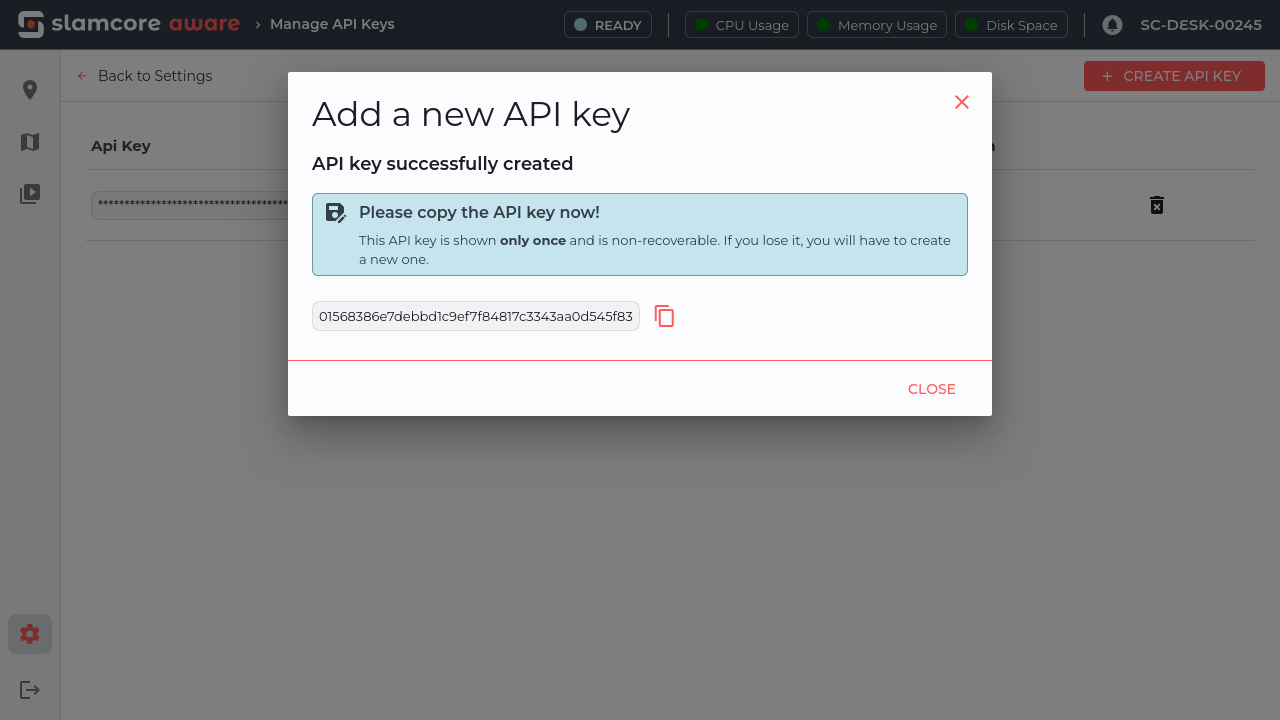
The API key will be generated and shown in the creation dialog.
Please make sure to copy and make note of the key while this view is still open. For security reasons, API keys are only displayed partially in the Manage API Keys page and you will not be able to retrieve the full API key after closing the modal.
Once completed, you may click Back to Settings or navigate to your
desired page.
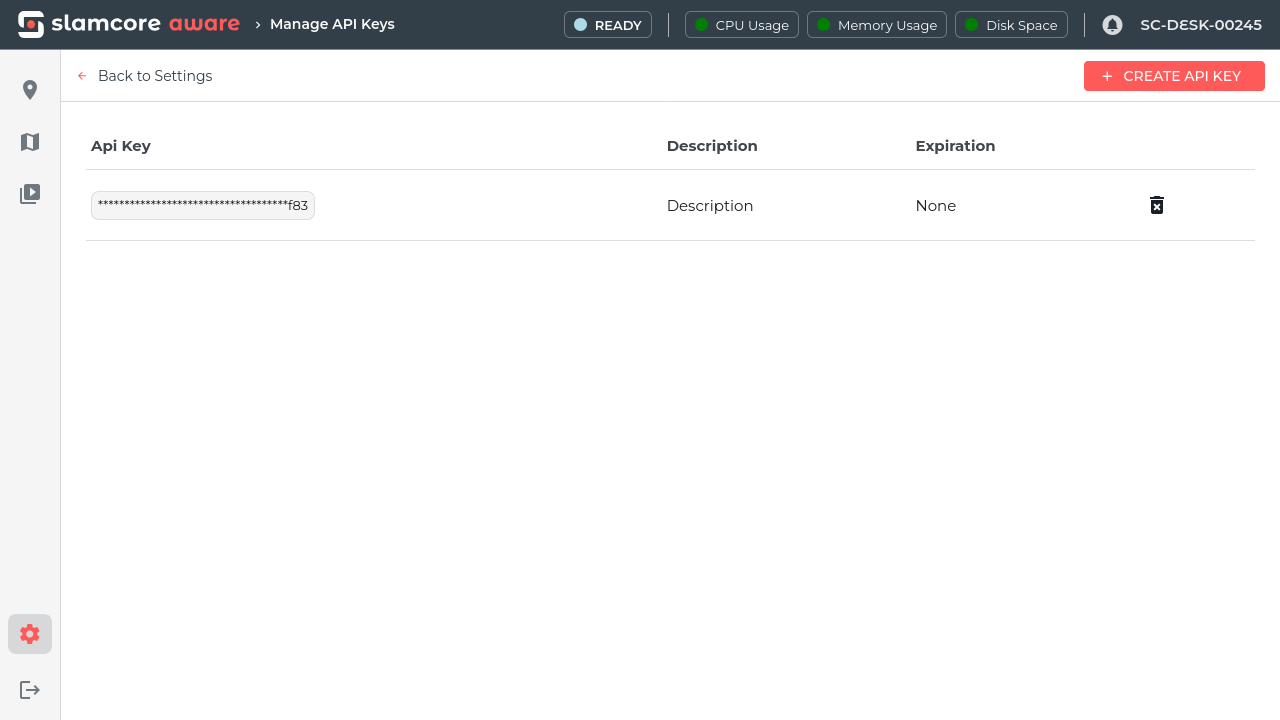
Manage API Keys
The list of available API keys is displayed in the Manage API Keys
page found under Settings > Integrations. A key can be removed
by clicking the  icon next to it.
Use API Keys
The API key can now be used to access the Slamcore Aware device using
the POST /v0/login/api_key REST API (v0) command.
Each API key grants access only to the Slamcore Aware device it was generated for. To interact with multiple devices, a separate authentication key must be generated for each device.
Alternatively, it is also possible to interact with the device using the
POST /v0/login command with the Slamcore Aware web interface username
and password credentials.
Slamcore provides a functional example application on how to use the REST API (v0) on GitHub. Please contact support@slamcore.com for more details.